
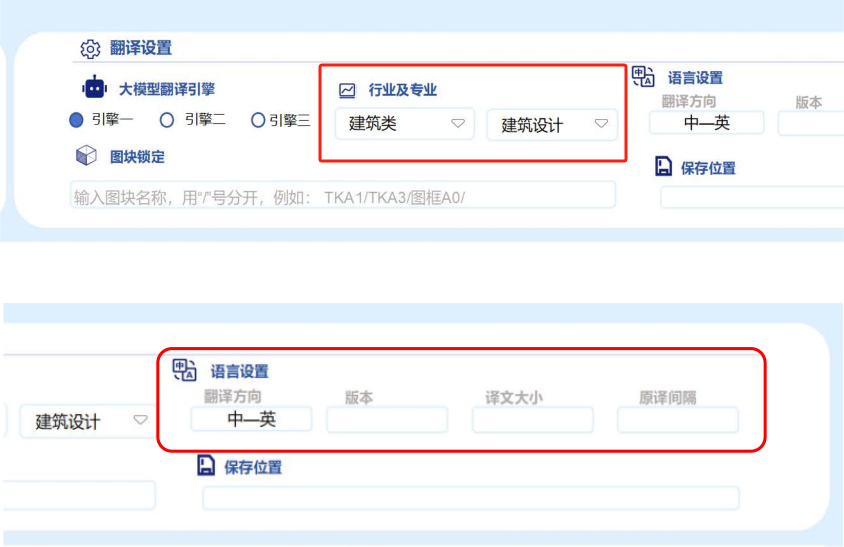
Industry-Specific Translation: Tailored terminology support for architecture, civil engineering, transportation, water resources, municipal engineering, machinery, chemical engineering, electronics, semiconductors, and more.
Our website supports professional translation services for a wide range of industries, including specialized fields within architecture such as: structural engineering, plumbing and drainage, building electrical systems, HVAC design, geotechnical engineering, interior design, curtain walls, landscape architecture, and prefabricated construction.
The service offers flexible output options, including translation-only or bilingual formats with adjustable layout spacing. Support for additional languages is coming soon.
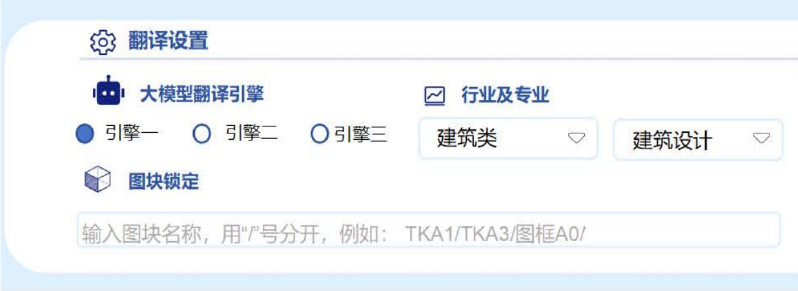
All engines use AI for automatic translation, with slight variations in speed and language support. Translation times may differ by region.
Lock specific content from translation by entering block names (e.g., TKA1/TKA3/). Text within these blocks will remain unchanged, ideal for keeping templates in their original language.

Translated DWG files are generated directly. Translation credits are deducted based on AI model character usage. Users can download the translated DWG files, which retain the original fonts.
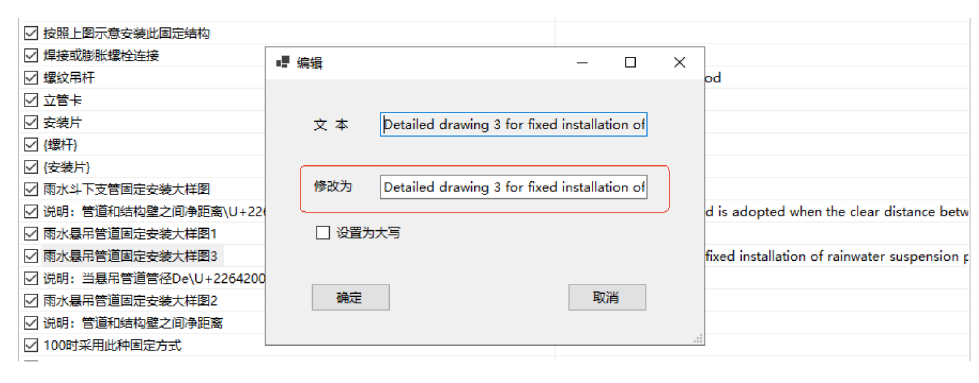
Case Options: Default is "Title Case." Users can switch to "All Caps" for headings or customize as needed.
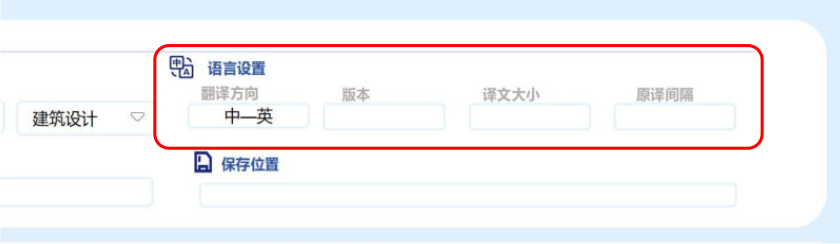
Font & Scaling: Choose output fonts and control text height scaling (from 30% to 100% of original size). Users can further adjust the layout in the final file.
Note: The AI translation focuses on language conversion. Users are responsible for final text layout adjustments in the DWG file to achieve optimal visual presentation.
点击放大播放视频
Follow WeChat official account
