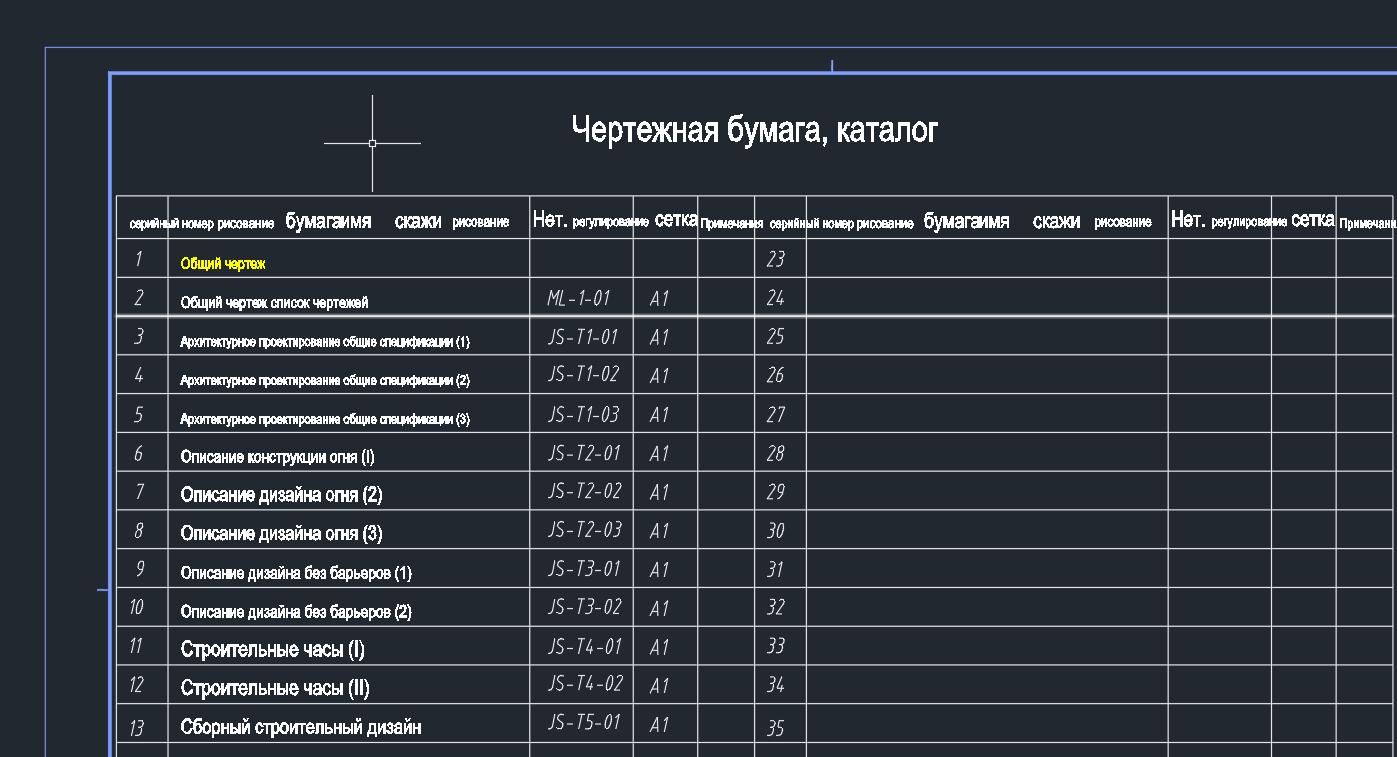
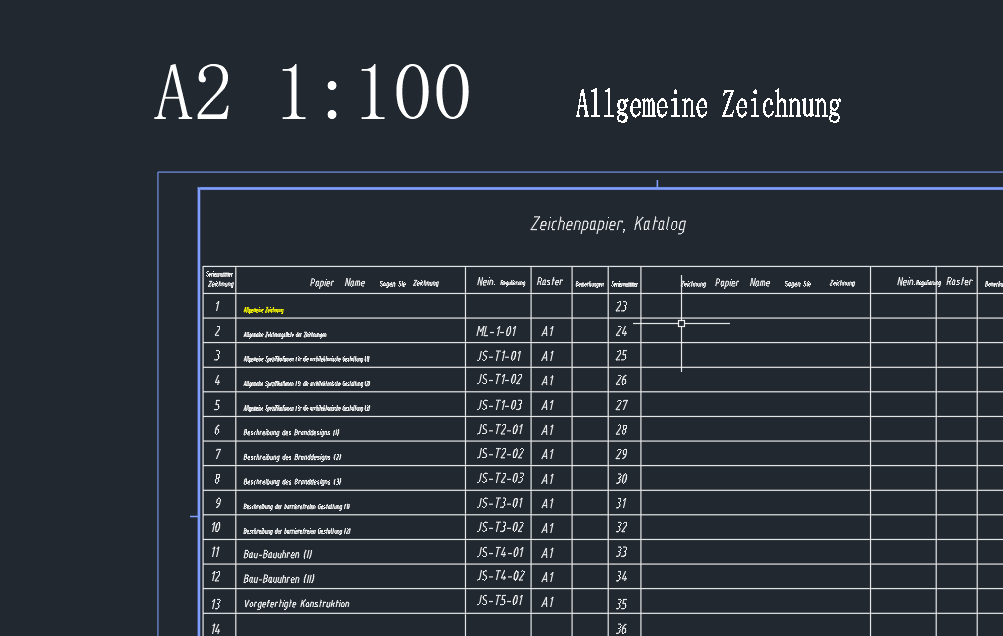
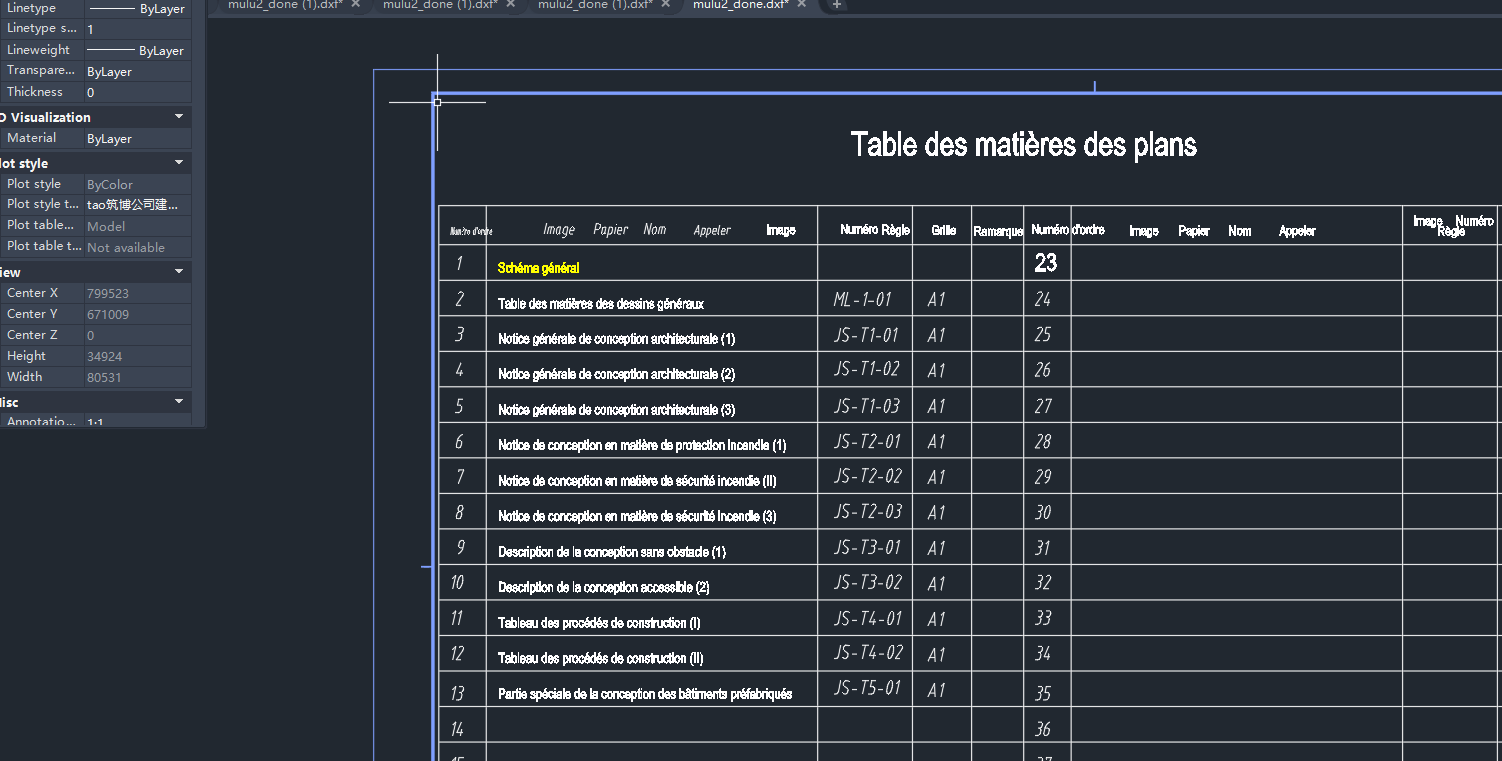
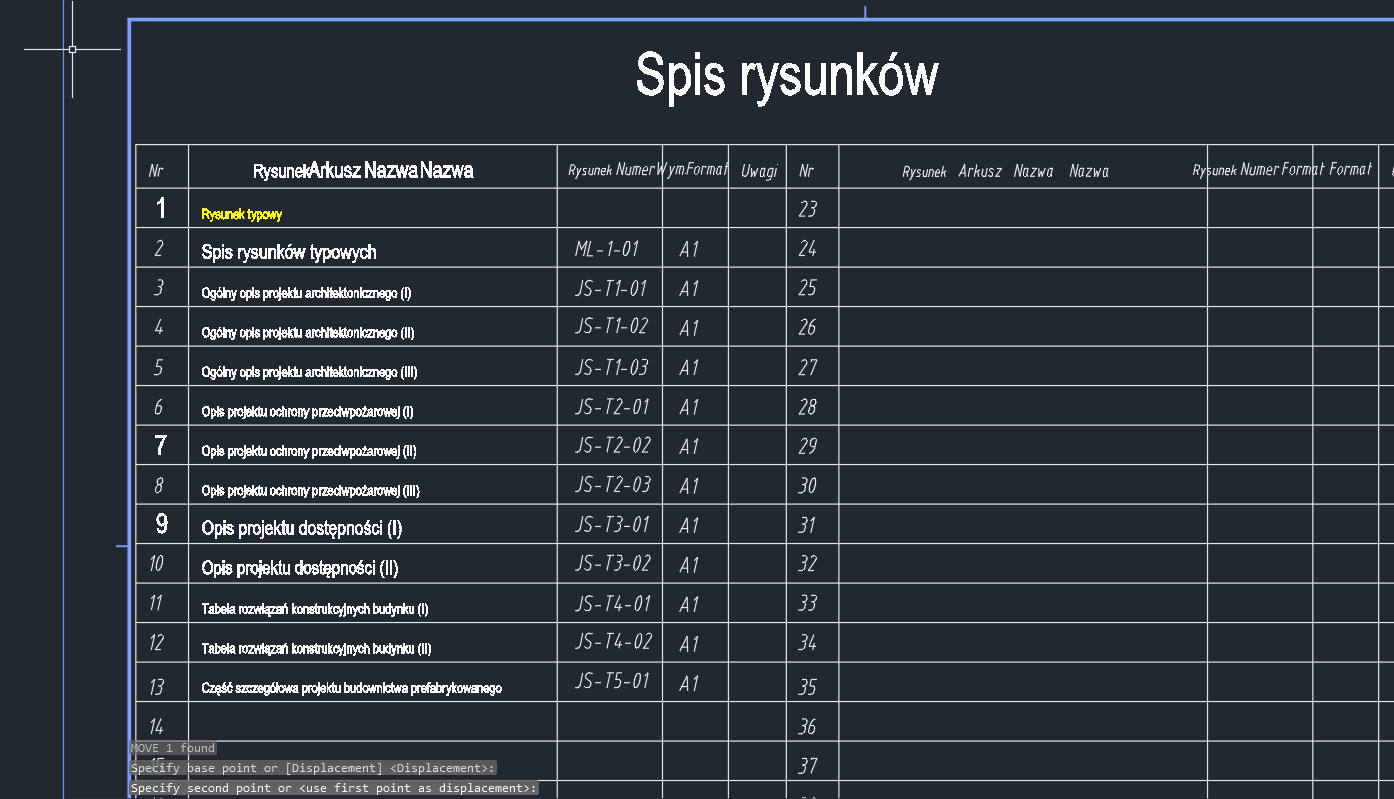
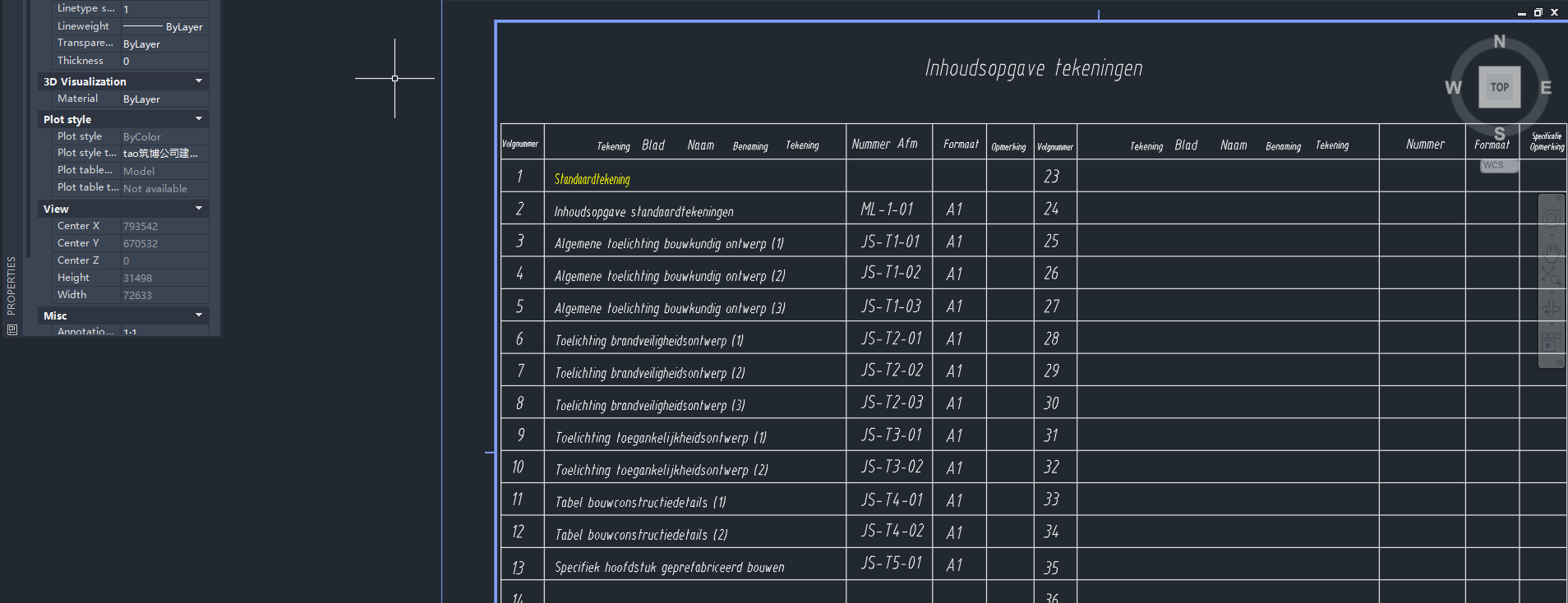
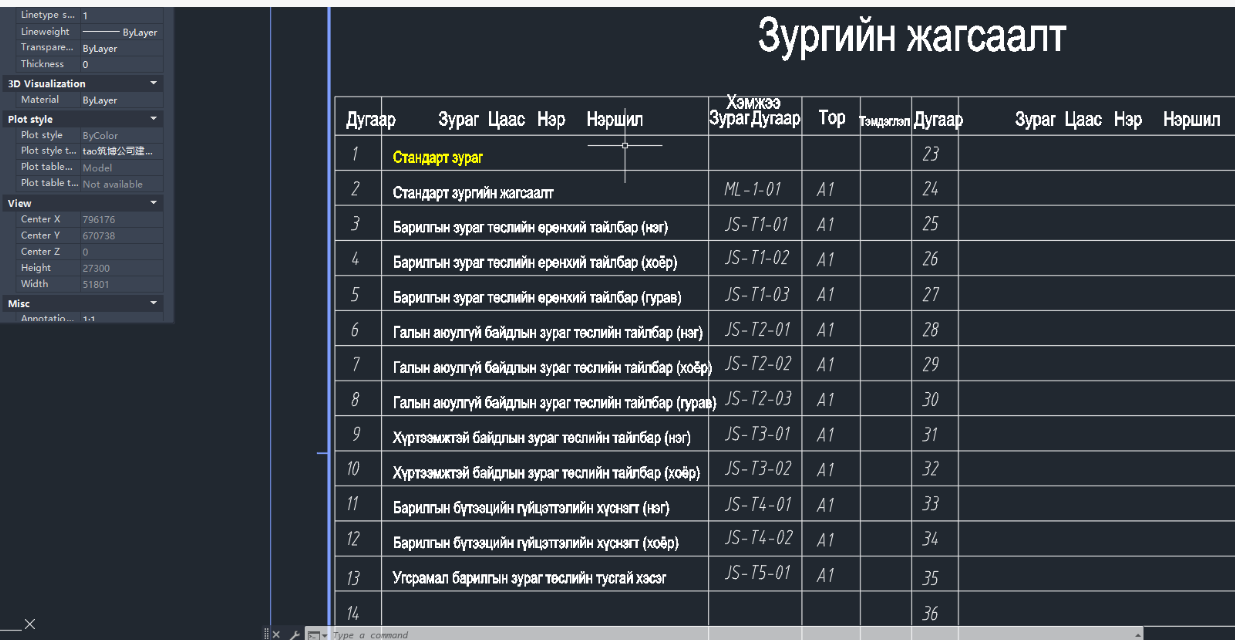
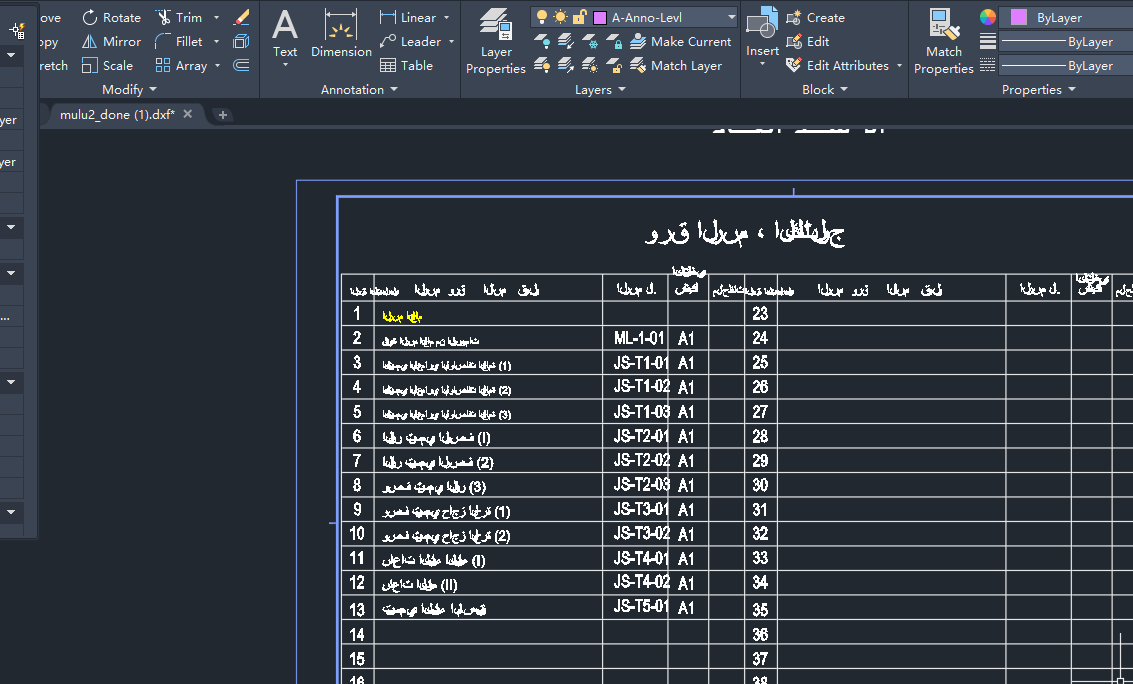
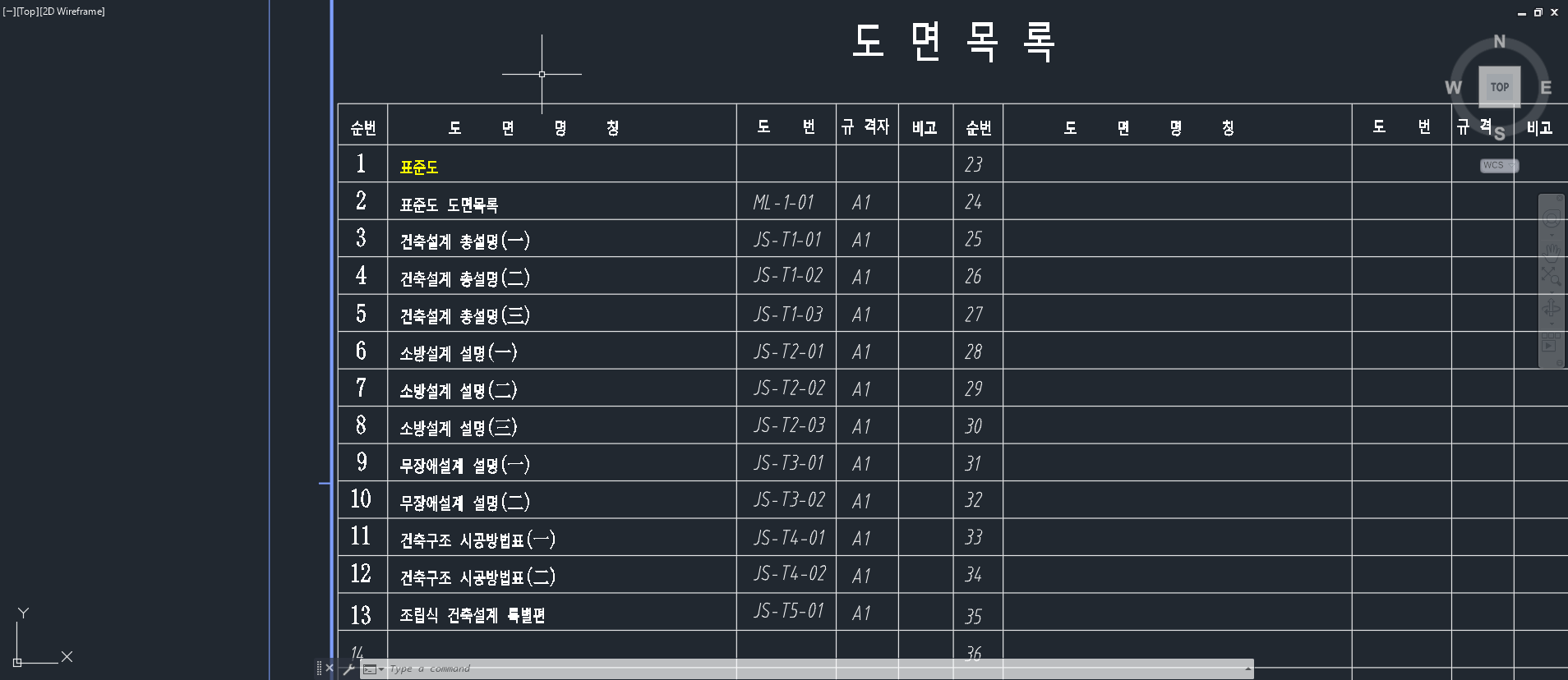
Compatible with AutoCAD 2012–2025 drawings and DWG files. Translates text, dimensions, layer descriptions, and block attribute text inside drawings, and directly outputs an editable DWG file.
CAD TRANSLATOR is a web-based online service. All you need is a browser — no client software download required.
AI translation preserves CAD layers and dimension styles, modifying only the text content. The output remains fully editable in AutoCAD.
Cadtranslator.com is an AI large-model-powered online translation tool. Complete AutoCAD drawing translation directly in your browser — no client software download required — handling DWG engineering drawings and covering professional terminology across mainstream design industries.
CAD Translator – The Smart Way to Translate CAD Drawings Online
Cadtranslator.com is a leading AI-powered platform designed to translate and localize text inside AutoCAD® drawings quickly and accurately. Built on a secure cloud infrastructure and driven by advanced large-language models, our platform deeply analyzes uploaded DWG files, translates all textual content into the target language, and delivers ready-to-use DWG files—all while preserving the original drawing structure and formatting.
Whether you are an architect, engineer, designer, educator, or student, CAD TRANSLATOR helps you collaborate across borders. We support multinational projects, overseas construction, academic research, and international design submissions by removing language barriers in CAD documents—saving time, reducing errors, and streamlining global teamwork.
Our translation engine is fine-tuned for professional terminology across 7 industries and 43 specialties, including:
· Architecture — Architectural Design, Structural Design, Water Supply & Drainage, Electrical, Intelligent Systems, Landscape Architecture, Interior Design, Geotechnical, Survey, Prefabricated Construction, Building Curtain Wall, Civil Engineering, HVAC Engineering, Lighting Design
· Urban Planning
· Transportation Engineering — Transportation Planning, Road Design, Bridge Design, Rail Transit, Ports & Terminals, Tunnel Engineering
· Water Resources Engineering — Dam Design, Canal Design, River & Marine Engineering, Hydroelectric Power
· Municipal Engineering — Water Supply, Sewage, Gas, Electric Power, Heating, Utility Tunnel
· Electronic Information — Semiconductors, Integrated Circuits, Microelectronics (Chips), Consumer Electronics, Communication Equipment, Display Technology
· Manufacturing — Mechanical Design, Product Design, Process Design, Chemical Design, Automotive Design, Ship Design
Every translated drawing outputs as an editable, fully compatible DWG file, ready to open in AutoCAD® or any mainstream CAD software.

Source and target language are independent settings, so you can translate in any direction between the 109 supported languages — Chinese to English, English to Spanish, Japanese to German, Arabic to Korean and more. The list includes widely used languages as well as less common ones such as Icelandic, Welsh, Swahili, Zulu, Georgian and Armenian. See all 109 supported languages.
We offer three independent AI translation models. Users can select the optimal engine based on regional network performance, ensuring fast processing and high-quality results every time.
Behind CAD TRANSLATOR is a team of AI and large-model specialists from top-tier technology backgrounds. We combine industry knowledge with cutting-edge machine translation to help businesses and professionals:
· Eliminate language obstacles in technical drawings
· Accelerate international project deliveries
· Enhance global competitiveness
· Dramatically reduce translation costs and manual reworks
Language coverage is already broad. CAD TRANSLATOR supports 109 languages as both source and target, including less commonly used ones such as Icelandic, Welsh, Swahili, Zulu, Georgian and Armenian. Because source and target language are selected independently, any of the 109 can be translated into any of the other 108 — 11,772 possible directions. We continue to refine industry terminology, expand translation engines and improve accuracy with every release.
| Comparison | Desktop CAD plugin | File conversion tools | CAD TRANSLATOR |
|---|---|---|---|
| Install required | Yes | Usually | No — runs in browser |
| Output stays editable DWG | Depends | Often raster/PDF only | Yes, fully editable |
| Languages | Limited | Limited | 109 |
| Industry terminology | Manual glossary | None | 7 industries built in |


Follow WeChat official account